8. creating simple projects +GUI

Making Big Strides with Python: Three Small Projects I Completed Today
Today was a huge step forward in my Python journey—I managed to create three small projects, each teaching me something new about programming and problem-solving.
Project 1: To-Do List
My first project was a simple to-do list. Using while loops and if statements, I was able to structure the program fairly easily. I understood the logic behind it, but translating that idea into Python code required some help from AI. Even though I had the concept in my head, figuring out the exact syntax was tricky.
Project 2: Calculator
Next up was a calculator. I included basic operations like addition, subtraction, multiplication, division, and even a circle area calculator. The logic felt familiar—I had already done this in C—but Python’s syntax threw me off at first. I learned that some things I used to write in C need to be done differently in Python. It was a small challenge, but a good lesson in adapting to a new language.
Project 3: Hangman
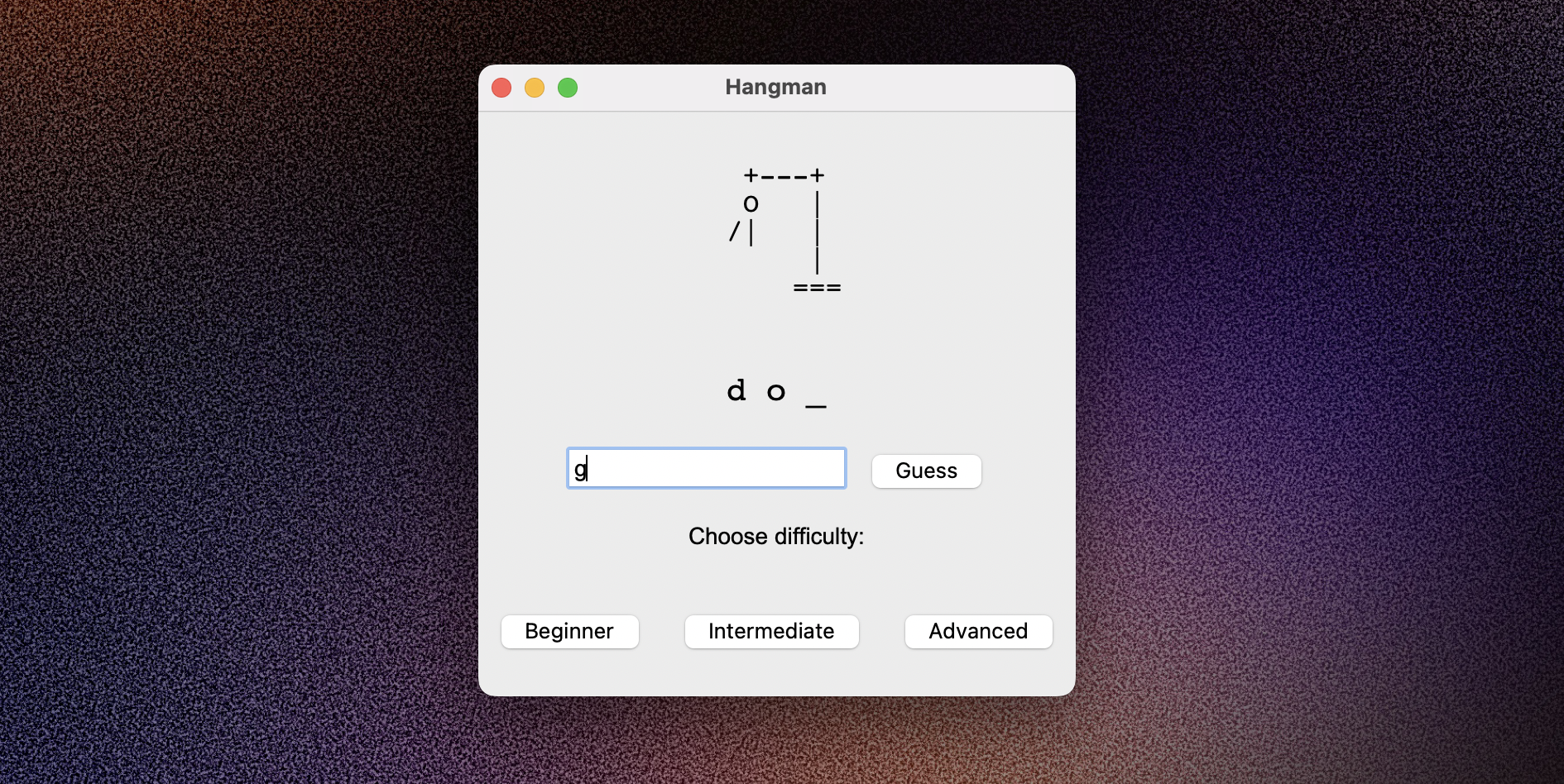
Finally, I tackled a hangman game. This one was fun to code, but I definitely needed AI guidance along the way. I did wonder if relying on AI would stop me from truly learning, but I realized that using it as a tool is actually one of the most effective ways to learn. My plan now is to create more and more projects so that, eventually, I won’t need to ask for help at all. To improve my problem-solving, I’ll also start writing pseudocode before diving into Python.
After finishing the hangman code, I even asked ChatGPT to create a GUI version to make it visually appealing—just a little extra motivation to keep going.